¶ Customizing Embeds
Wondering what features of the embed you can customise? All of it!
-
Author:
- Author Name: Appears right at the top of the embed in white letters. Markdown and mentions are not supported.
- Author Icon: Appears to the left of the Author Name. Author Name must be supplied when using Author Icon.
-
Title:
- Title Value: Appears at the top of the embed, below the Author Name in bold, white letters. Markdown is supported (other than code blocks).
- Title URL: If added, this will be the URL the member is sent to when they click on your Title. Title must be supplied then using Title URL.
-
Footer:
- Footer Text: Appears right at the bottom of the embed in small, grey leters. Markdown is not supported.
- Footer Icon: Appears to the left of the Footer Text. Footer Text must be supplied when using Footer Icon.
-
Fields:
- Field Name: Appears below the description and above the footer/image. This appears in grey letters. Markdown is supported.
- Field Value: Just like a description, however it will appear under the Field Name. It acts like a description of the field. Markdown is supported.
- Field Inline: If this is selected, the field will be put next to other fields (if they are also Inline and there aren’t too many characters).
When adding a Field, you need to add both a Field Name and Field Value.
-
Image: Appears as a large image at the very bottom of the embed, right above the footer.
-
Thumbnail: Appears as a small image in the top right corner of the embed.
-
Description: Plain, white text that will appear under the Author Name and Title. Markdown is supported.
-
Color: The color that will appear on the side of your embed.
Notes:
- Fields that require a URL, need a valid URL. For example
https://dyno.gg, and notdyno.gg.- Image fields that require a URL, need a valid image URL (ending in
.jpg,.pngor.gif).- You can use IDs to mention users, roles, and/or channels. For more information on how to mention using IDs, visit this page. Keep in mind that due to Discord limitations, user and role pings inside embeds will not notify users.
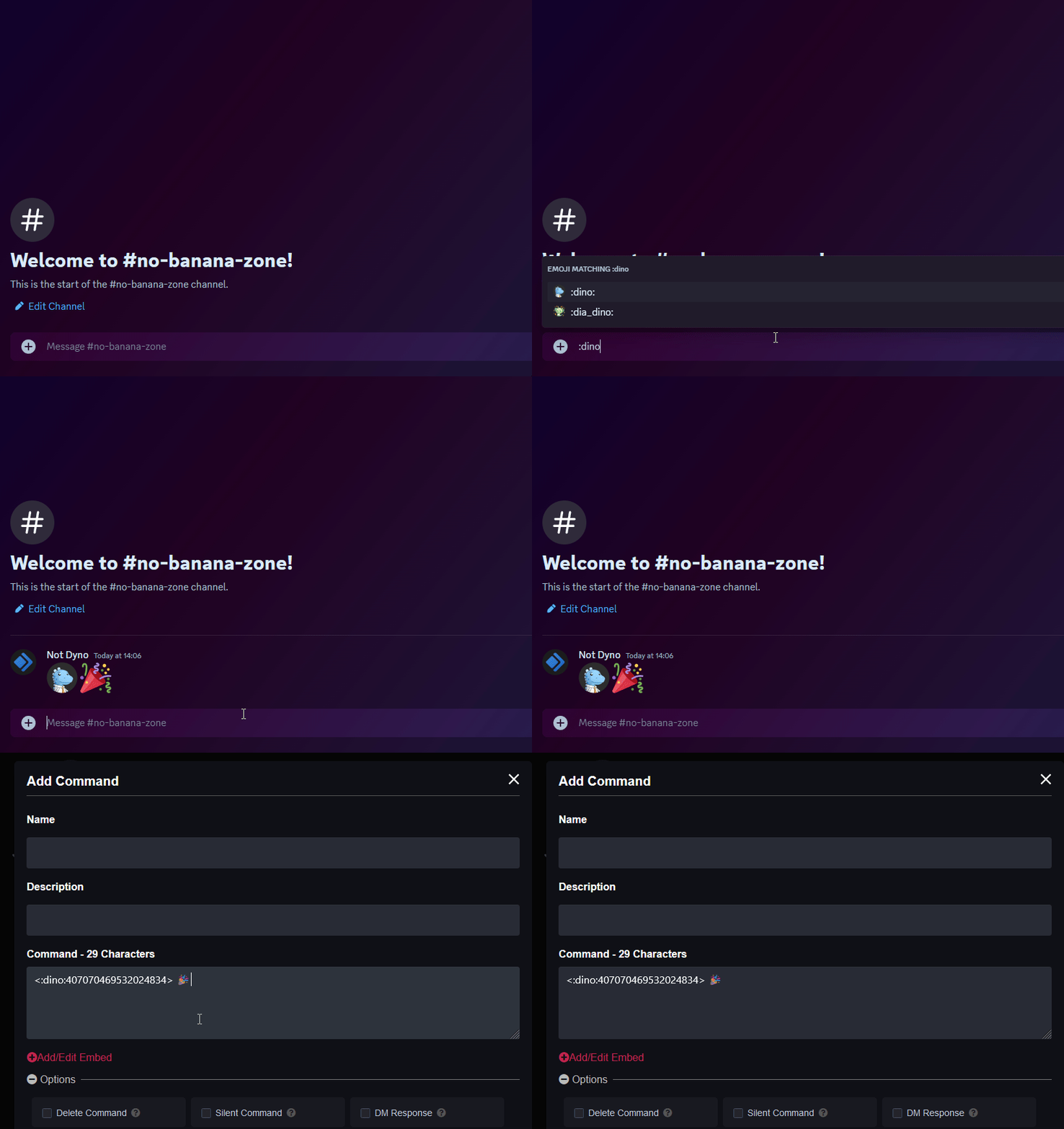
- If you’re looking to add custom emojis to your message follow this guide! Just keep in mind Dyno needs to be in the server where that emoji is from.
Here’s what a fully customized embed looks like:

¶ Embed Limits
Discord has imposed certain character limits for embed fields:
- Author Name: 120
- Title: 120
- Description: 4096
- Fields (up to 25):
- Name: 256
- Value: 1024
- Footer Text: 120
Additionally, the combined character count for the entire embed mustn’t exceed 6000 characters.