¶ Overview
The Levels module allows you to reward users with XP (experience points) for being active in your server. As users earn XP, they level up and can receive level-up messages, special roles, and other rewards that you configure.
Levels is a Standard Premium feature.
Click here to upgrade to Premium!
Permissions Check:
- Make sure Dyno has these permissions in your Levelup Message Destination, and in the channels to track XP:
View ChannelSend MessagesEmbed Links
¶ How to set up Levels
- Head over to your account and select your server.
- Click on the
Modulestab. - Ensure the
Levelsmodule is enabled. - Click the
Settingsbutton underneath the Levels module. - If you wish to give your members a specific role when they reach a certain level, you can do so via the
Levelled Rolesoption. - If you wish to, select the
Message Destinationchannel, where the level up notifications will be sent. - If you wish to, customize the level up message (requires the
Message Destinationto not be set to None). - Next, choose any Ignored/Allowed
ChannelsandRolesthat you want. Dyno will not give XP to users with those roles and messages in those channels (and vice-versa).
¶ Options
| Name | Description |
|---|---|
| Boost Mode |
Determines how the multipliers should be applied. Combined: Gives the user the value of all boosts combined. Pick Highest: Picks the highest boost among boosters and apply only the highest one. |
| Server XP Rate | Sets the multiplier for the entire server. |
| Boosted Channels | Sets multipliers on a per-channel basis. |
| Boosted Roles | Sets multipliers on a per-role basis. |
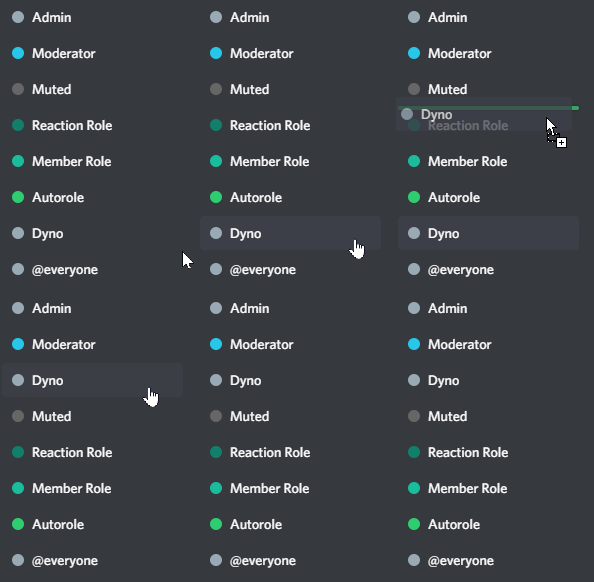
| Levelled Roles | Configure a role users automatically get when they reach a specific level. You can also optionally stack levelled roles. |
Notes:
- Make sure Dyno’s role is above the role(s) Levelled Roles.
- Levelled roles persist if users leave and rejoin your server.
- If you add a Levelled Role and some users are past the level you have set the role to be applied at, said users will get that role once they level up again (respecting your
Stack levelled rolessetting) or if they leave and rejoin the server. For example, if you set a “Level 5” role to be assigned at level 5, and your current level is 6, you will be assigned that role once you reach level 7.
¶ Managing User XP
| Option | Description |
|---|---|
| Add XP | Add XP to a user based on their username or ID. |
| Remove XP | Remove XP from a user based on their username or ID. |
Notes:
- The user you’re trying to modify needs to be in the server.
- Modifying a user’s XP will not alter their current Levelled Roles (i.e. no roles will be assigned/removed). The user will need to level up again in order to have their roles automatically updated.
Modifying a user’s XP is a Premium feature.
¶ Levels Variables
{user}- User mention{username}- User’s username{server}- The server’s name{level}- The user’s new level{xp}- The user’s current XP (e.g., 1200){short_xp}- The user’s current XP, shortened (e.g., 1.2k)
¶ XP Details
Users get 20-30 XP per message, with a 1 minute cooldown to prevent spam.
To calculatethe XP required to reach a specific level, you can use the formula below, where L is the level.
To calculate the level based on XP, you can use the following formula, where XP is your current XP.

Does this seem confusing? No worries! Open the dropdown below to take a look at some charts to better underastand how the difficulty scales.
📊 Leveling Charts (XP & Messages)
¶ XP Needed Per Level
¶ Messages Needed Per Level
Keep in mind this chart is just an approximation! It does not take into account any multipliers, the actual XP range (it assumes all messages give 25XP) or the one minute cooldown per message.
¶ Levels Commands
| Command (click for more info) |
Description |
|---|---|
| /profile | View a user's current level, XP and leaderboard rank. |
| /leaderboard | View the server's XP/level leaderboard. |