Components V2 Customization
Learn what Components V2 are and how you can customize them!
Customizing Components V2
Components V2 is Discord's newer way to build messages. Instead of one fixed embed layout, you stack building blocks in whatever order you like. Text, images, buttons and dividers can all go where you want them.
While visually they might look similar to embeds, CV2 behave very differently! In this page we might compare some of their aspects to embeds, but that's merely for simplicity and familiarity reasons.
Building Blocks
-
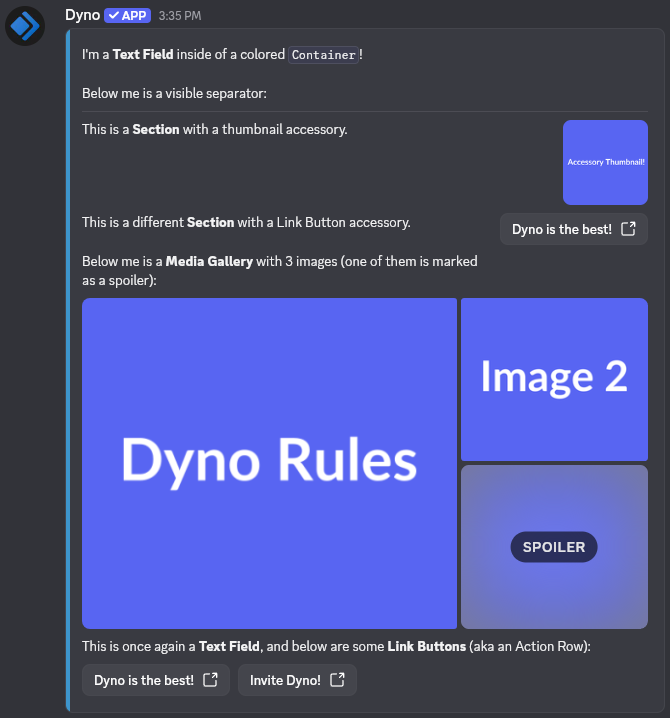
Container: The "card" that groups other blocks together. This is the closest thing to an embed.
- Accent Color: The color bar on the left side of the container (like an embed's color).
- Spoiler: If selected, the whole container is blurred until clicked.
-
Text Display: A piece of text. Markdown is supported.
-
Section: Text on the left with one small accessory on the right.
- Text: 1 to 3 Text Displays.
- Accessory: A Thumbnail or a URL Button. A Section must have one, otherwise use a Text Display instead.
-
Thumbnail: A small image shown on the right side of a Section.
- Alt Text: Describes the image for people using screen readers.
-
Media Gallery: A grid of 1 to 10 images.
- Each image can have its own Alt Text and Spoiler option.
-
Separator: A divider line (or just empty space) between blocks.
- Divider: Turn the visible line on or off.
- Spacing: Small or large.
-
Link Buttons (Action Row): A row holding up to 5 Buttons.
- Button Label: What the button says.
- Link Buttons: Open a URL instead of doing an action. A valid URL is required.
Notes:
- When it comes to buttons, you can only add Link buttons, not interactive ones.
- Fields that require a URL need a valid URL. For example
https://dyno.gg, and notdyno.gg.- A Section can't exist without its accessory, and a Container can't be empty.
- You can use IDs to mention users, roles, and/or channels. For more information on how to mention using IDs, visit this page.
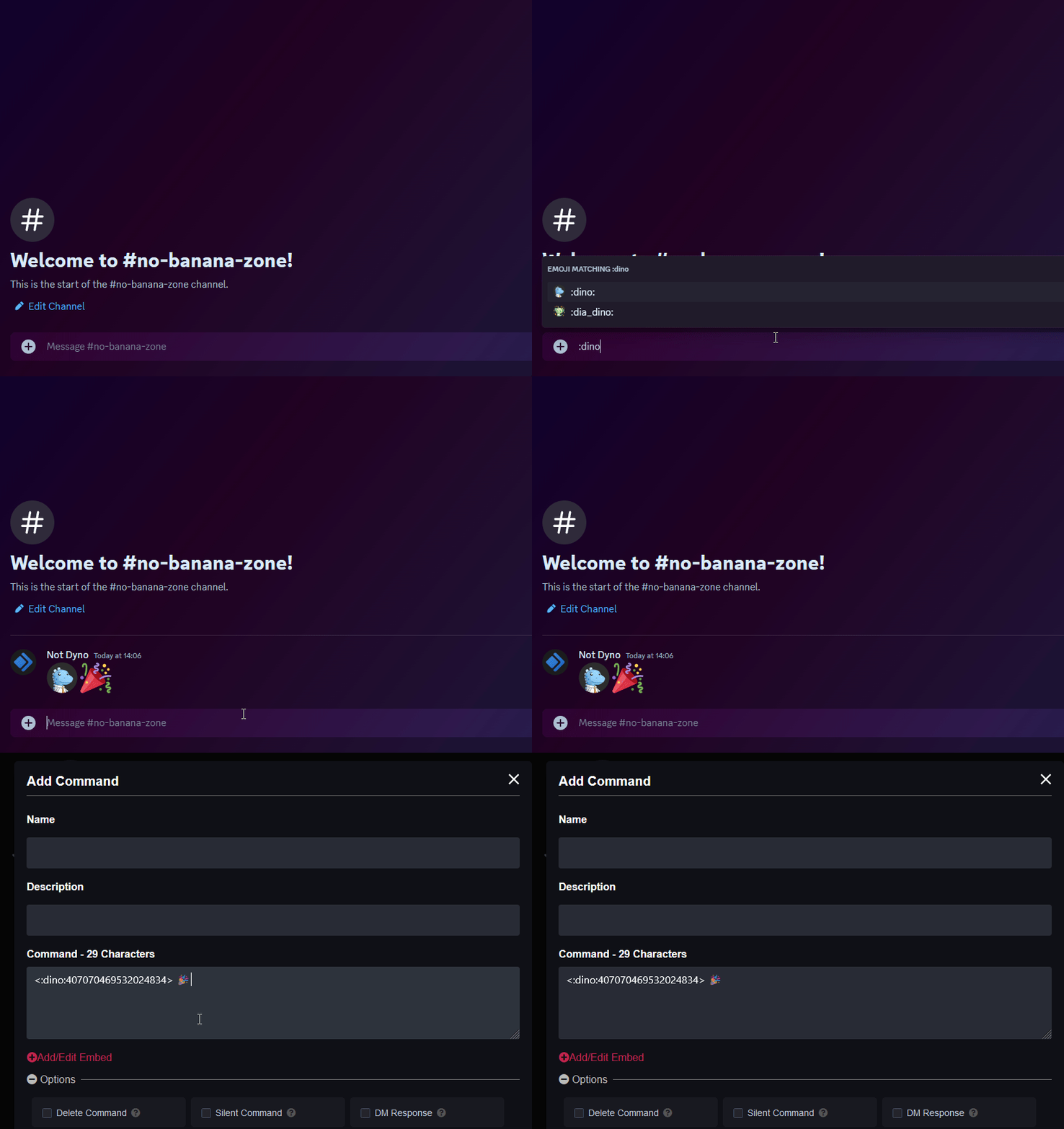
- If you're looking to add custom emojis to your message follow this guide! Just keep in mind Dyno needs to be in the server where that emoji is from.
Unlike embeds, CV2 messages do not suppress mentions. That means, if the module allows it, user, role, and @everyone/@here pings will actually mention the relevant users!
Here's what a Components V2 message can look like:
Coming From Embeds?
Most embed parts have a CV2 equivalent:
| Embed | Components V2 |
|---|---|
| Color | Container → Accent Color |
| Title | Text Display with a heading (# Title) |
| Description | Text Display |
| Author / Footer | Text Display with small text (-# text). Author/footer icons don't have a counterpart. |
| Thumbnail | Section → Thumbnail accessory |
| Image | Media Gallery |
| Fields | Text Displays or Sections, split up with Separators |
Embed fields and inline layouts don't exist in CV2. If you want side-by-side content, a Section is the closest thing.
Components V2 Limits
Discord has imposed certain limits on Components V2 messages:
- Total components per message: 40
- Total images per message: 20
- Total text characters per message: 4000
- Section:
- Text Displays: 1 to 3
- Accessory: 1
- Media Gallery: 1 to 10 images
- Link Buttons (Action Row): up to 5 buttons
Everything counts toward the 40-component limit, including blocks inside a Container. A Container holding a Section with 2 Text Displays and a Thumbnail already uses 5 components. Likewise, the 4000 characters is shared across all the text in the message, not per Text Display.